> ## Documentation Index
> Fetch the complete documentation index at: https://docs.speax.ai/llms.txt
> Use this file to discover all available pages before exploring further.
# Quickstart
> Start Localizing in Minutes
Effortlessly unlock the power of Speax AI. With an intuitive setup process, you’ll be localizing videos like a pro in no time.
## Step 1: Sign Up and Log In
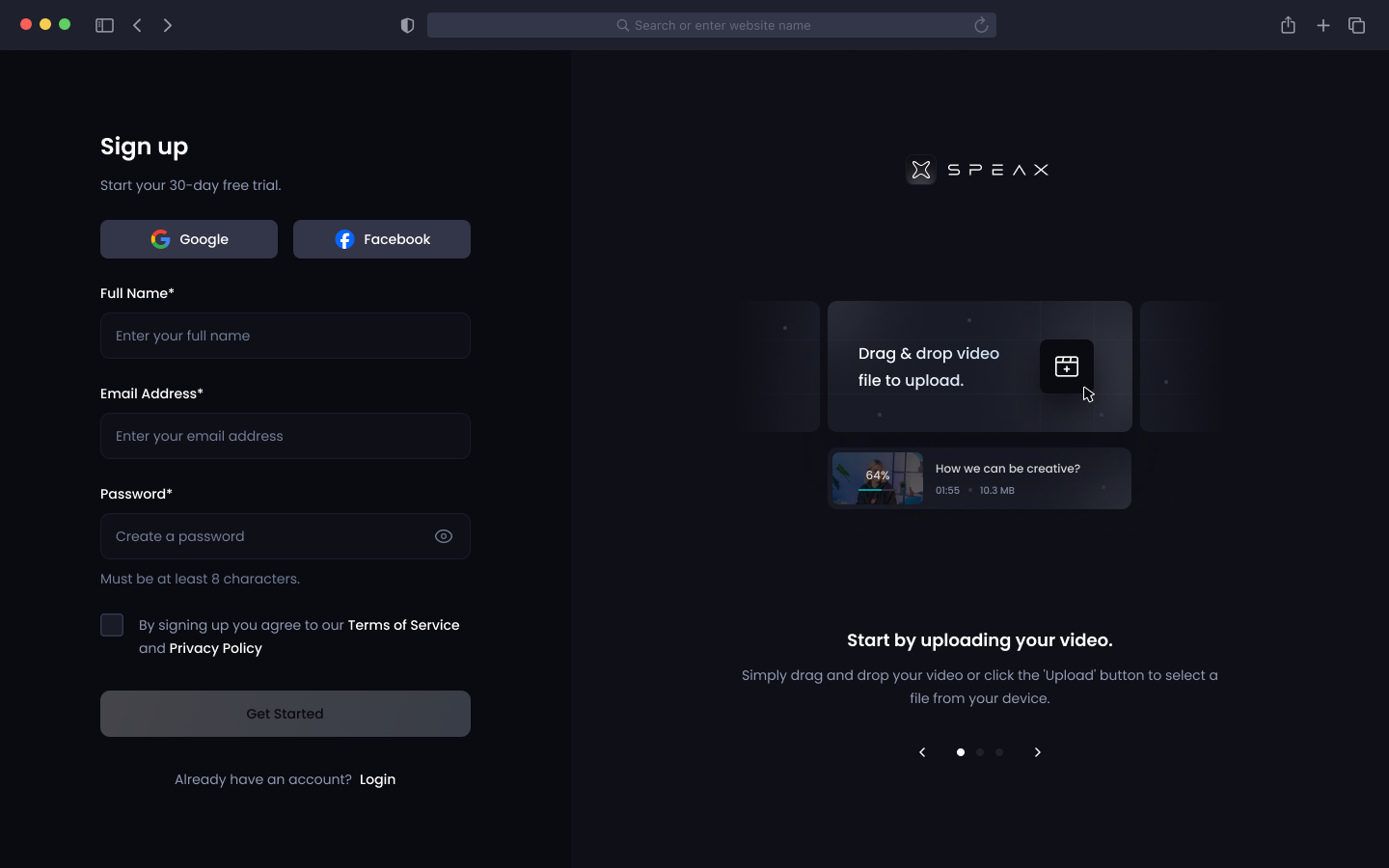
1. **Sign Up Instantly:** Visit [Speax AI](#) and create your account in seconds using just an email address. No unnecessary steps, no friction.
2. **Secure Login:** Access your account on desktop, tablet, or smartphone with cutting-edge encryption ensuring your data stays safe.
No credit card needed.
 ## Step 2: Upload Your Content
1. **Drag and Drop Simplicity:** Upload videos directly from your device or integrate with cloud storage solutions like Google Drive and Dropbox.
## Step 2: Upload Your Content
1. **Drag and Drop Simplicity:** Upload videos directly from your device or integrate with cloud storage solutions like Google Drive and Dropbox.
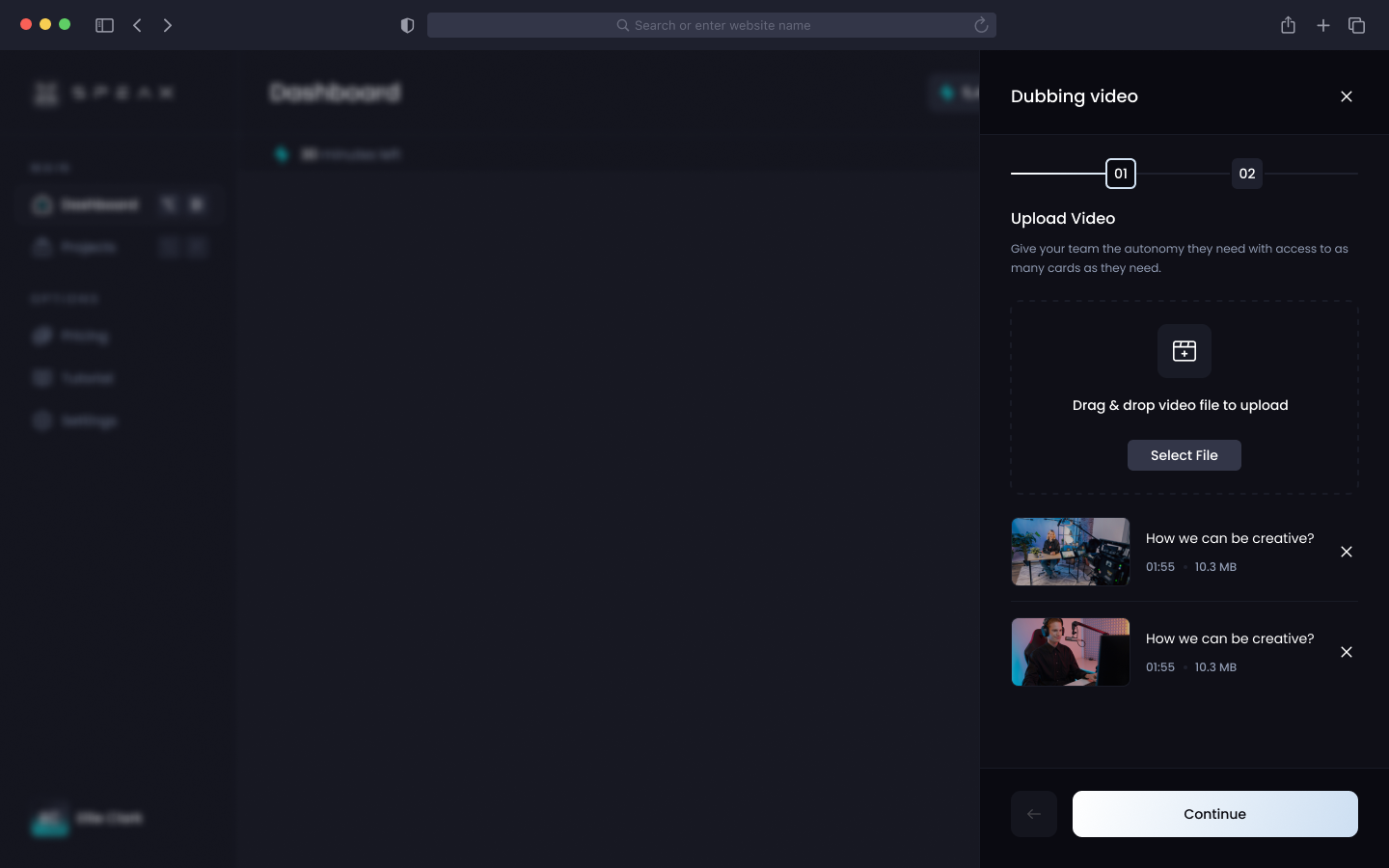 1. **Supported Formats:** Compatible with MP4, MOV, AVI, and more—Speax AI adapts to your needs without extra file conversions.
2. **Optimized for Excellence:** Our AI pre-processes your video to ensure the highest quality localization.
## Step 3: Customize Your Output
1. **Select Your Languages:** Translate your video into one or multiple languages with a click.
2. **Choose Your Style:** Adjust tone, voice intensity, and pacing for a personalized feel.
## Step 4: Review and Download
1. **Instant Feedback:** Watch a preview of your localized video to ensure every word, voice, and movement aligns with your vision.
2. **Effortless Revisions:** Make quick tweaks to language, tone, or lip-sync settings before finalizing.
1. **Supported Formats:** Compatible with MP4, MOV, AVI, and more—Speax AI adapts to your needs without extra file conversions.
2. **Optimized for Excellence:** Our AI pre-processes your video to ensure the highest quality localization.
## Step 3: Customize Your Output
1. **Select Your Languages:** Translate your video into one or multiple languages with a click.
2. **Choose Your Style:** Adjust tone, voice intensity, and pacing for a personalized feel.
## Step 4: Review and Download
1. **Instant Feedback:** Watch a preview of your localized video to ensure every word, voice, and movement aligns with your vision.
2. **Effortless Revisions:** Make quick tweaks to language, tone, or lip-sync settings before finalizing.
 ## Step 5: Export and Share
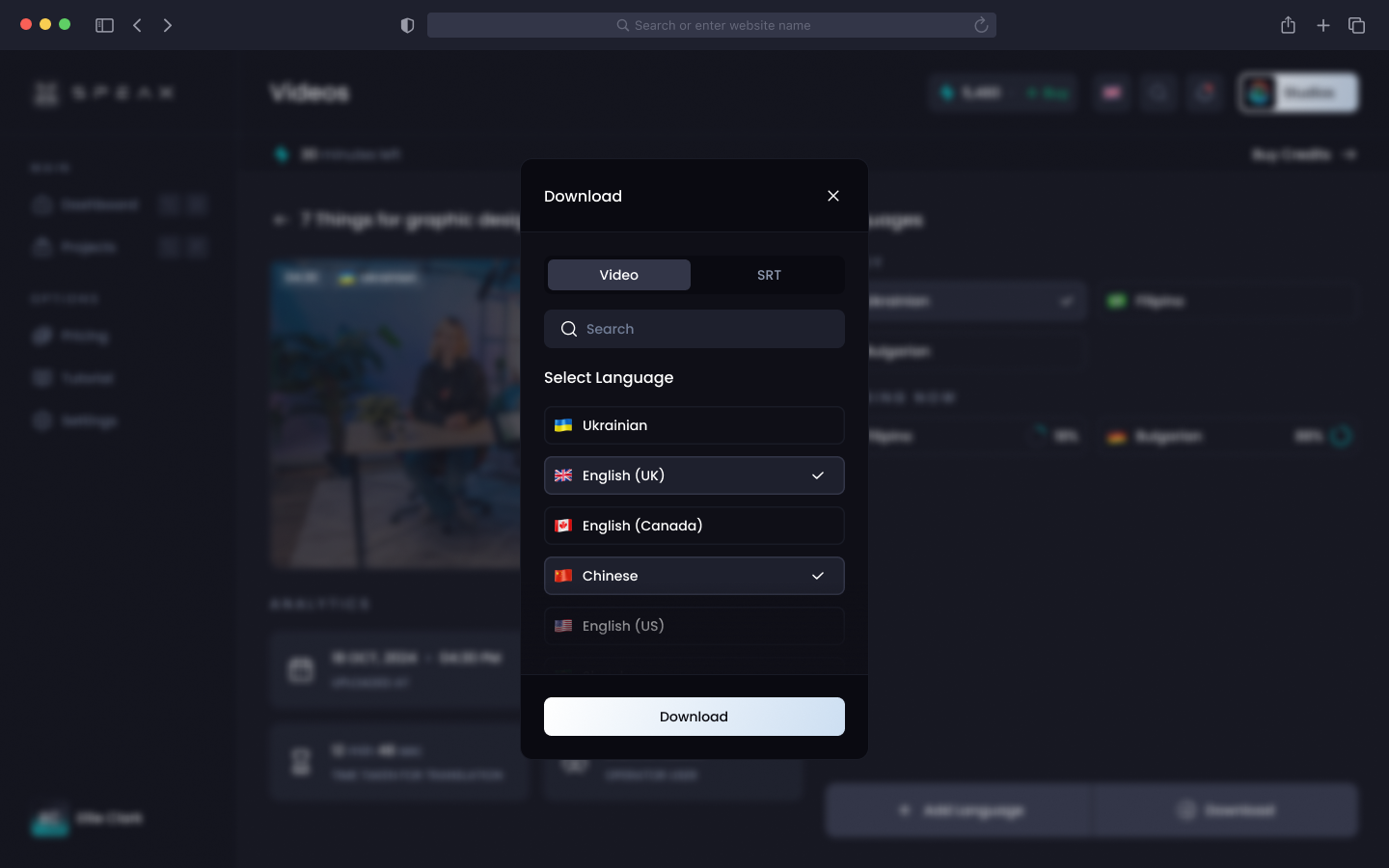
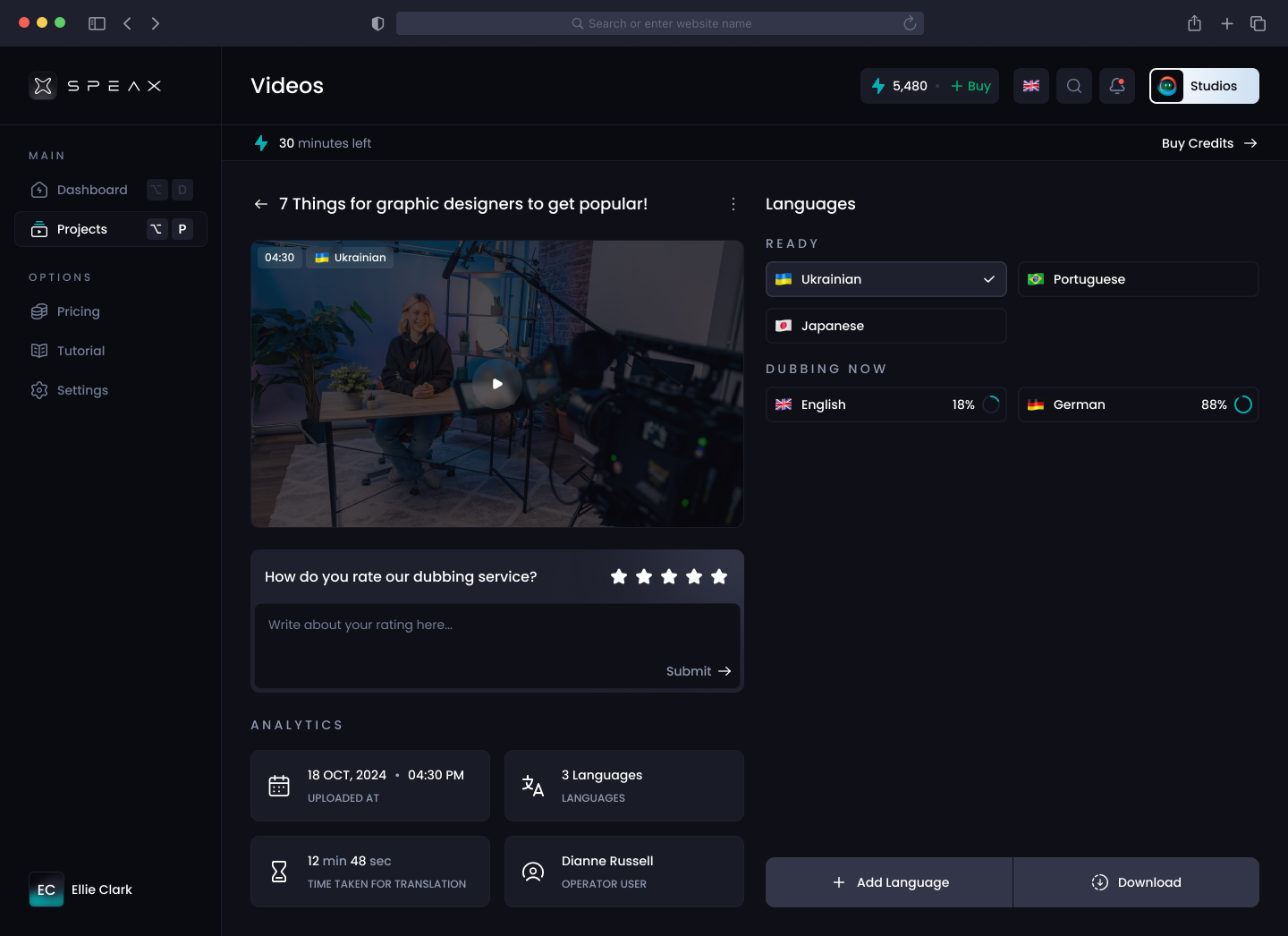
1. **Ready in Seconds:** Download your completed, localized video in your desired resolution and format.
2. **Share Without Boundaries:** Distribute directly to your audience via your favorite platforms.
## Step 5: Export and Share
1. **Ready in Seconds:** Download your completed, localized video in your desired resolution and format.
2. **Share Without Boundaries:** Distribute directly to your audience via your favorite platforms.